
Since 2021, California has treated keeping up with relevant technology as part of a lawyer’s duty of competence. That makes the IT company you hire part of how your firm meets its ethical obligations.
Twenty-one firms market managed IT in Pasadena, and 13 have an office in the city. Far fewer describe services built around law firms, such as a legal page, e-discovery support or help with client security reviews.
Here are the five providers we’d shortlist for a Pasadena firm, the public data behind each, and what to settle before you hand over your matter files.
How we evaluated legal IT providers
This report comes from our team at Managed IT Services Santa Clarita. We’re an independent IT company based in Santa Clarita, and we care about how business owners throughout California are supported. We left our own firm out of the ranking so the list stays focused on providers with a Pasadena office.
We started with 21 providers and evaluated the 13 that have a Pasadena office. All data comes from public sources checked in November 2026: Google Business Profiles, Clutch, company databases such as Built In and DesignRush, and each provider’s site, including any legal or professional services pages.
| Criterion | What we looked for |
|---|---|
| Pricing transparency | Per-user pricing published on the provider’s site |
| Contract terms | Month-to-month or a minimum term, with onboarding fees disclosed |
| Reputation | Google rating and review volume, plus verified Clutch reviews |
| Local presence | A Pasadena office, and offices in more than one location |
| Security operations | An in-house security team, SOC or 24/7 detection and response |
| Law-firm fit | A dedicated legal page or described services for law firms, such as e-discovery |
| Track record | Years in business and a verifiable team size |
| Strategic consulting | A vCIO or IT roadmap service |
| AI services | A dedicated AI service, not just a blog post |
The order reflects our editorial judgment, weighted toward published pricing, contract flexibility and multi-location coverage. If you’d weigh things differently, the comparison table has the full data.
The top 5 IT providers for Pasadena law firms
- Tech Kooks
- Managed IT Services Pasadena (MITSP)
- Xantrion
- Intelligent Technical Solutions (ITS)
- Alcala Consulting
Side by side: the five legal IT providers
| Tech Kooks | MITSP | Xantrion | ITS | Alcala Consulting | |
|---|---|---|---|---|---|
| Legal page or law-firm experience | None named | No legal page | Law firm page | Law and professional services page | Legal page with e-discovery support |
| Google rating (reviews) | 5.0 (5) | 5.0 (4) | 4.8 (26) | 5.0 (8) | 5.0 (19) |
| Clutch reviews | None | None | 14 | Not verified | None |
| Founded | 2022 | ~2015 | 2000 | 2003 | 1997 |
| Team size | ~30 | 20+ technicians | ~80 | 150+ (company-wide) | Not disclosed |
| Pasadena office | Google listing only (site lists San Pedro) | Headquarters | Branch (HQ Bay Area) | Branch (HQ Las Vegas) | Headquarters |
| Locations | 5 | 1 | 4 | 14 | 1 |
| Published pricing | $39.99–$59.99 per user/mo | $39.99–$59.99 per user/mo | Quote only | $125–$300 per user/mo | Quote only |
| Contract terms | Month-to-month, no minimums | Month-to-month, no onboarding fees | Not published | Not published | Not published |
| Compliance named | None named | HIPAA | Own SOC 2 certification | HIPAA, CMMC, SOC 2, PCI DSS, FINRA, NIST 800-171, ISO 27001 | CMMC Level 2, HIPAA, CCPA |
| Security operations | 24/7 MDR (top tier) | 24/7 MDR (top tier) | 24/7 US-based detection and response | In-house 24/7 SOC | 24/7 monitoring; CMMC Registered Practitioner Organization |
| vCIO / strategy | IT roadmaps and budgets | IT roadmap | Dedicated vCIO per client | vCIO and vCISO | Technology roadmaps |
| AI services | None listed | None listed | AI Enablement Sprint | SecureAI | AI automation (add-on) |
What each provider brings to a law firm
1. Tech Kooks
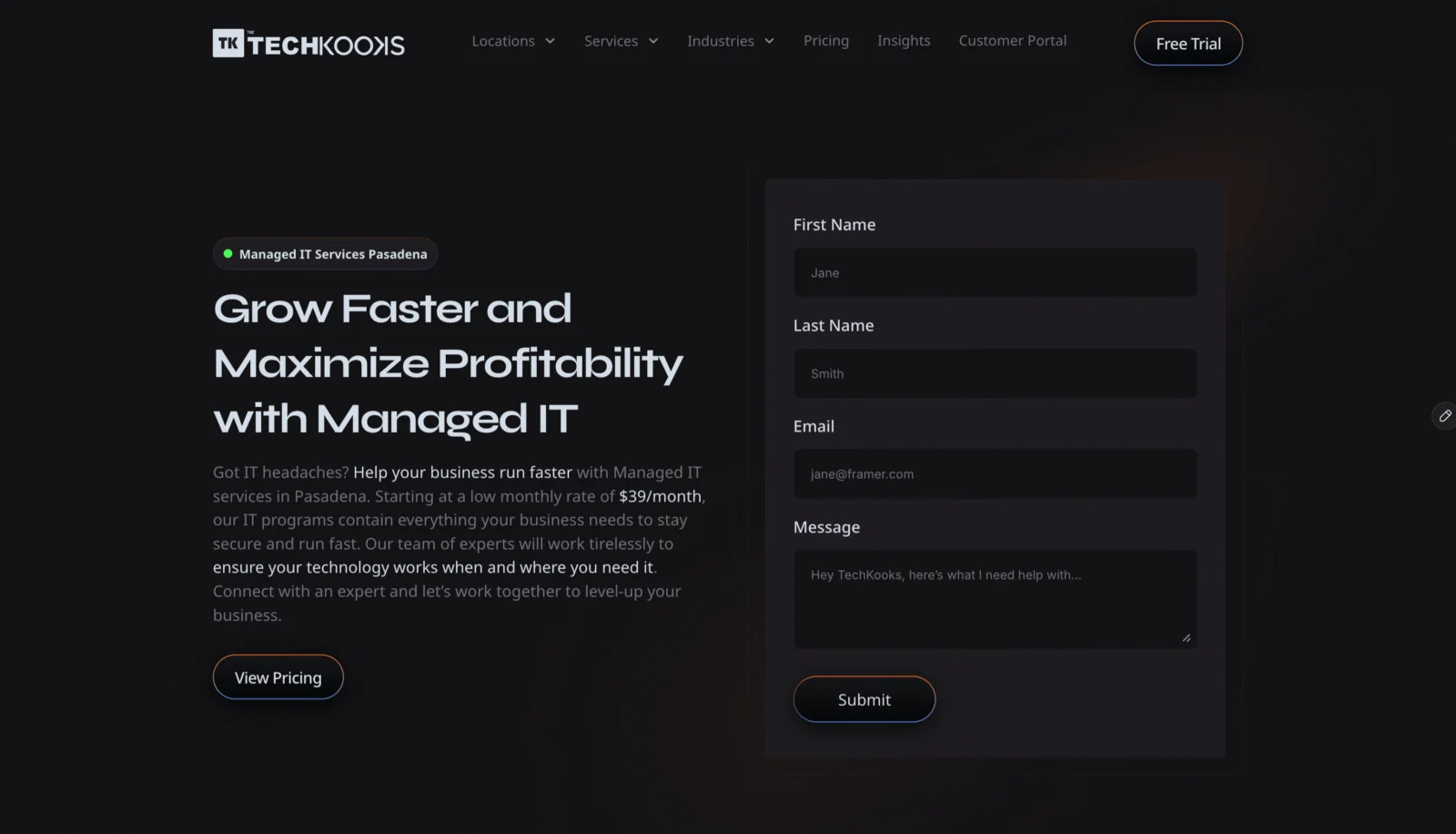
Snapshot: Founded 2022 · Pasadena listing at 150 E Colorado Blvd · 5.0 stars from 5 Google reviews
- Plans at $39.99, $49.99 and $59.99 per user per month, so you can price IT per attorney and staff member
- Month-to-month with no user minimums, so the bill follows headcount as attorneys join or leave
- 24/7 managed detection and response on the top plan, plus IT roadmaps and budgets
Worth knowing: There’s no legal page and no named compliance framework, so ask about its experience with document management systems before you sign.
2. Managed IT Services Pasadena (MITSP)
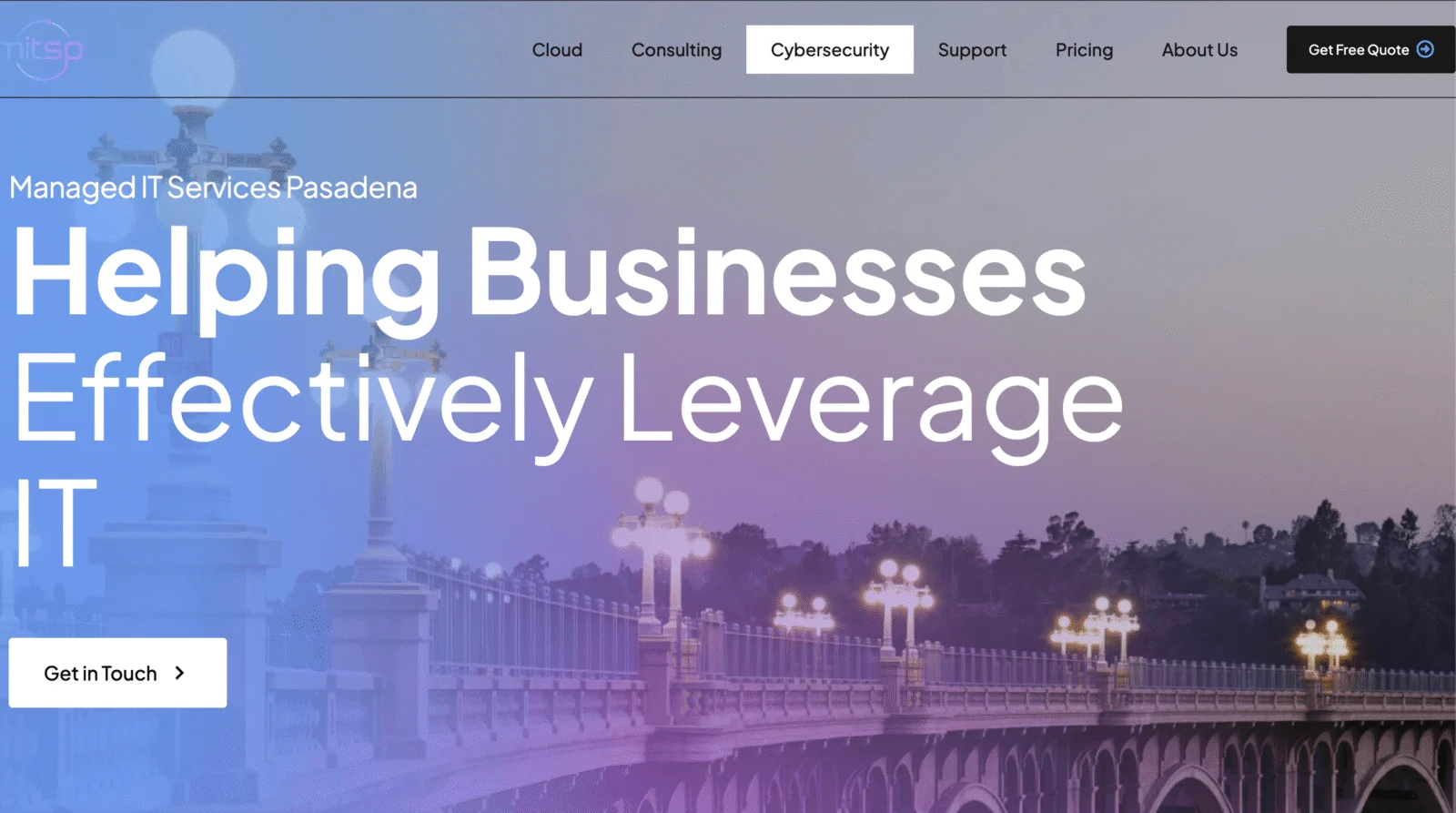
Snapshot: About 11 years in business · Office at 1055 E Colorado Blvd · 5.0 stars from 4 Google reviews
- Three published plans between $39.99 and $59.99 per user per month, with month-to-month terms and no onboarding fees
- Reports 20+ locally based technicians and offers an IT roadmap service
- Names HIPAA support, relevant for firms that handle medical records, and puts 24/7 managed detection and response on its top plan
Worth knowing: No legal page yet, four Google reviews and no Clutch profile.
3. Xantrion

Snapshot: Founded 2000 · Office at 177 E Colorado Blvd · 4.8 stars from 26 Google reviews
- Its law firm page offers help with client security questionnaires and audit prep, plus secure file sharing through SharePoint and Microsoft 365
- Each client gets a dedicated vCIO, and each vCIO looks after 3 to 10 clients
- AICPA SOC 2 certified, with 24/7 US-based detection and response and a 15-minute response time
Worth knowing: Headquartered in the Bay Area with quote-only pricing, and many of its 14 Clutch reviews come from financial firms.
4. Intelligent Technical Solutions (ITS)
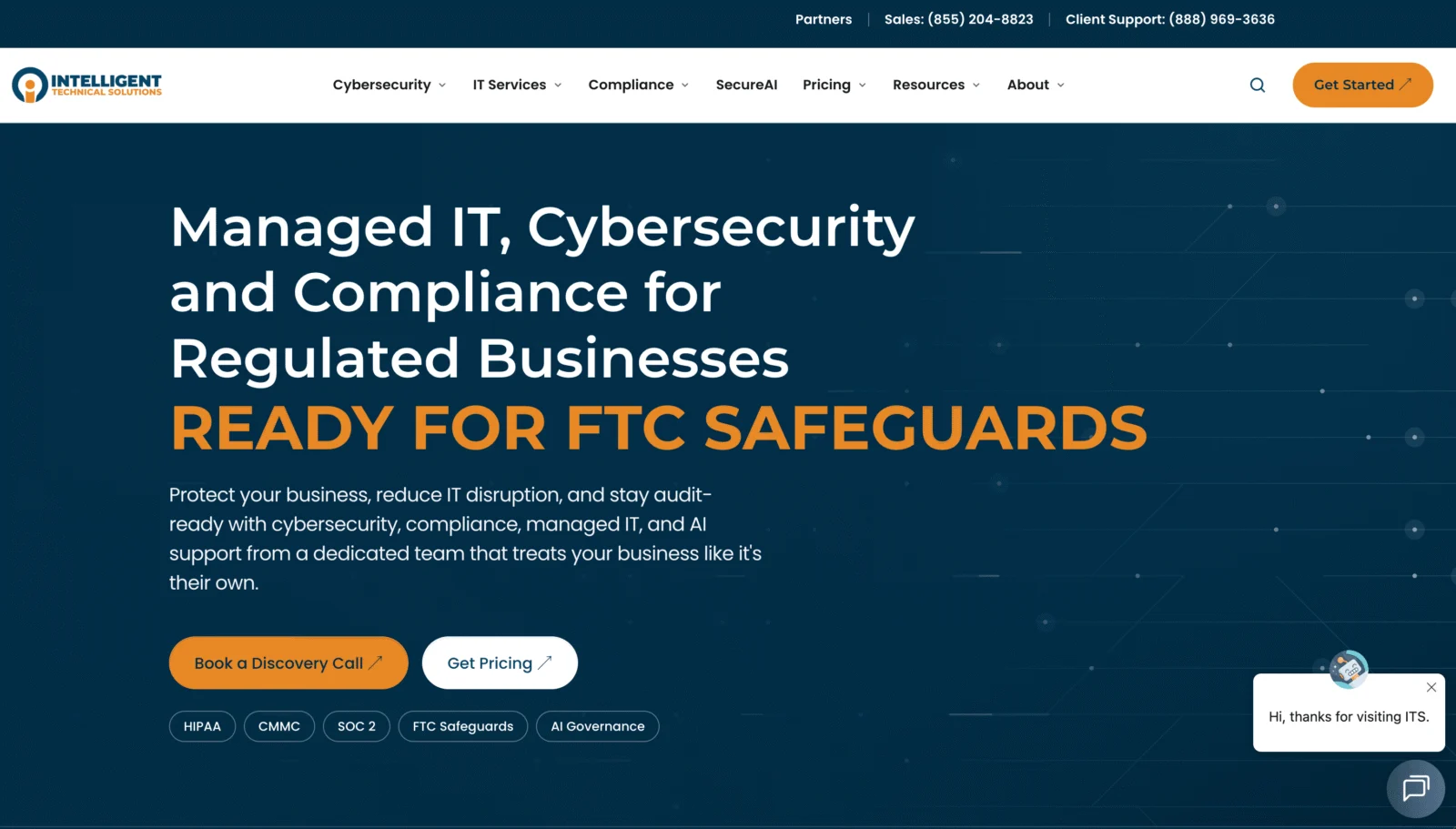
Snapshot: Founded 2003 · Office at 489 E Colorado Blvd, one of 14 US offices · 5.0 stars from 8 Google reviews
- Its law page addresses privileged client data, document storage, e-discovery capacity, and utilization and realization reporting
- Co-managed IT for firms that already employ an administrator, backed by its own 24/7 SOC with red, blue and compliance teams
- Three plans from $125 to $300 per user per month with an online calculator; SecureAI covers AI governance and staff training
Worth knowing: Headquartered in Las Vegas, and the law page names no legal software.
5. Alcala Consulting

Snapshot: Founded 1997 · HQ at 35 N Lake Ave, Suite 710 · 5.0 stars from 19 Google reviews
- Its legal page lists audit trails, version control and document encryption, along with support for e-discovery
- Responds onsite to priority outages within about 40 miles of its Pasadena office
- In business longer than any other provider here, and a CMMC Registered Practitioner Organization with 24/7 monitoring
Worth knowing: It works from one office, quotes every engagement individually, and doesn’t name any practice management software on its legal page.
Picking IT support for a Pasadena law firm
What law firms pay for managed IT
Four of the 13 local providers publish prices, from about $40 to $300 per user per month, and three of them are on this list. For a 15-person firm, that comes to roughly $600 to $4,500 a month.
- Basic plans handle the help desk, patching, monitoring and backup.
- Out-of-plan and project work typically bills at $150–$199 an hour.
- Premium plans add 24/7 security monitoring, vCIO time and compliance documentation.
Where your ethics duties meet your IT
In California, Business and Professions Code section 6068(e)(1) obliges lawyers to keep client confidences inviolate, and since 2021 a comment to Rule 1.1 has folded technology into the duty of competence. At the national level, ABA Model Rule 1.6(c) expects reasonable efforts to keep unauthorized people away from client information. ABA Formal Opinion 477R says ordinary email is generally fine for routine matters, that highly sensitive matters may call for encryption or similar protection, and that lawyers should vet the technology vendors they rely on.
What your agreement should spell out
- MFA on every account, including attorneys logging in from court or home
- Support for your document and practice management systems, such as NetDocuments, iManage or Clio
- Email encryption, plus rules that stop client information leaving the firm by accident
- Phishing and wire-fraud training for attorneys and staff
- Retention policies and litigation holds in Microsoft 365 or Google Workspace
- Backups of matter files and email, with restores tested on a schedule
- Quick account setup and shutdown when attorneys join or leave
- Help with the security questions on cyber insurance applications
- Onsite support terms for your Pasadena office
8 questions to put to a legal IT provider
- Is your security operations center in-house or outsourced?
- Which document and practice management platforms do your current clients use?
- How would our attorneys send an encrypted email from Outlook or Gmail?
- Can you configure retention policies and litigation holds for us?
- How do you secure attorneys who work from court, home or a client’s office?
- Will you help with our cyber insurance application and the security questionnaires clients send us?
- Which costs sit inside the monthly fee, and which are billed hourly?
- How fast can an engineer get to our office, and how do we get our credentials and documentation back if we leave?
Managed IT vs. hiring an IT administrator
The median network and computer systems administrator in the Los Angeles metro earned $105,270 in May 2024, according to the Bureau of Labor Statistics, with benefits and payroll taxes on top. A single hire still leaves gaps at night, on vacation and in specialist security work.
At the published local rates, managed IT for a 15-person Pasadena firm comes to roughly $7,200 to $54,000 a year. The high end is about half of one administrator’s pay, and for that money you get a whole team, the security tooling and someone answering after hours.
Building an internal IT department tends to pay off once a firm passes about 100 people or runs a lot of onsite infrastructure. Mid-size firms often split the work, keeping an IT manager on staff and using a co-managed provider for security and nights.
Legal IT in Pasadena: questions firms ask
Do California’s ethics rules require specific security tools?
No. Section 6068(e)(1) and Rule 1.1 set duties, not a technical checklist. The standard is reasonableness: match your safeguards to how sensitive the information is, and vet the vendors who handle it. In practice, that points to MFA, encryption where the matter calls for it, and an IT provider you’ve actually checked.
Will a managed IT provider support Clio or NetDocuments?
It should. Both run in the cloud, so the vendor manages the servers, while your IT provider handles single sign-on, MFA, Microsoft 365 and Outlook integrations, permissions and the laptops attorneys use. Neither product is named on the websites of the five providers above, so ask for a law-firm reference.
How should we handle client security questionnaires?
Have your IT provider own the technical answers and keep the supporting documentation current. Xantrion’s law firm page, for example, offers help with client security questionnaires and audit preparation. Financial firms field the same kind of due-diligence requests, which we cover in our report on managed IT for Pasadena financial services firms.
Does co-managed IT make sense for a law firm?
It can if you already employ an administrator. The provider adds 24/7 security monitoring, after-hours support and project help, while your own person keeps the day-to-day knowledge of the firm. ITS offers co-managed IT for that setup. Accounting firms use the same model to absorb tax-season volume, as covered in our report on IT support for Pasadena accounting firms.