
A new client contract arrives with a security questionnaire attached. Do you enforce multifactor authentication? Are drawings backed up off-site? How fast can you restore a deleted project? Drawings are your clients’ IP, and more contracts now ask you to prove you protect them.
If your IT provider can’t help you answer, it’s the wrong provider. Of the 21 firms selling managed IT in Pasadena, 13 have a local office, and just two of our five picks have built a page aimed at architecture and design practices.
This report ranks the five we’d shortlist for a Pasadena studio, shows the public data behind each, and covers what to check on workstations, file access and backups before you sign.
How we evaluated providers for Pasadena studios
Our team at Managed IT Services Santa Clarita researched and wrote this report. As an independent IT provider headquartered in Santa Clarita, we work with business owners across California and care how well they’re served. We left ourselves out of the ranking because we don’t operate from Pasadena.
We screened 21 providers and compared the 13 with a Pasadena office, checking how each one supports architecture and design work. All of it comes from public sources we checked in November 2026: Google Business Profiles, Clutch, directories such as Built In and DesignRush, and each provider’s website, architecture pages included.
| Criterion | What we looked for |
|---|---|
| Pricing transparency | Per-user pricing published on the provider’s site |
| Contract terms | Month-to-month or a minimum term, with any onboarding fees disclosed |
| Reputation | Google rating and review volume, plus verified Clutch reviews |
| Local presence | A Pasadena office, and offices in more than one location |
| Security operations | An in-house security team, SOC or 24/7 detection and response |
| Architecture fit | A dedicated architecture page, or named CAD and BIM support |
| Track record | Years in business and a verifiable team size |
| Strategic consulting | A vCIO or IT roadmap service |
| AI services | A dedicated AI service, not just a blog post |
Placement is our editorial judgment, with published pricing, contract flexibility and multi-location coverage carrying the most weight. If you’d weigh things differently, the comparison table has the data to do it.
Top 5 managed IT services for architecture firms in Pasadena
- Tech Kooks
- Managed IT Services Pasadena (MITSP)
- Techmedics
- Xantrion
- Intelligent Technical Solutions (ITS)
How the providers stack up
| Tech Kooks | MITSP | Techmedics | Xantrion | ITS | |
|---|---|---|---|---|---|
| Architecture or CAD/BIM experience | None listed | None listed | Architecture page; supports AutoCAD, Revit and BIM | None listed | Architecture and design page |
| Google rating (reviews) | 5.0 (5) | 5.0 (4) | 5.0 (21) | 4.8 (26) | 5.0 (8) |
| Clutch reviews | None | None | 7 (5.0) | 14 | Not verified |
| Founded | 2022 | ~2015 | 2001 | 2000 | 2003 |
| Team size | ~30 | 20+ technicians | Not disclosed | ~80 | 150+ (company-wide) |
| Pasadena office | Google listing only (site lists San Pedro) | Headquarters | Headquarters | Branch (HQ Bay Area) | Branch (HQ Las Vegas) |
| Locations | 5 | 1 | 3 | 4 | 14 |
| Published pricing | $39.99–$59.99 per user/mo | $39.99–$59.99 per user/mo | Quote only | Quote only | $125–$300 per user/mo |
| Contract terms | Month-to-month, no minimums | Month-to-month, no onboarding fees | Not published | Not published | Not published |
| Compliance named | None named | HIPAA | None named | Own SOC 2 certification | HIPAA, CMMC, SOC 2, PCI DSS, FINRA, NIST 800-171, ISO 27001 |
| Security operations | 24/7 MDR (top tier) | 24/7 MDR (top tier) | MDR | 24/7 US-based detection and response | In-house 24/7 SOC, red and blue teams |
| vCIO / strategy | IT roadmaps and budgets | IT roadmap | Strategic IT planning | Dedicated vCIO per client | vCIO and vCISO |
| AI services | None listed | None listed | None listed | AI Enablement Sprint | SecureAI |
What each provider brings
1. Tech Kooks
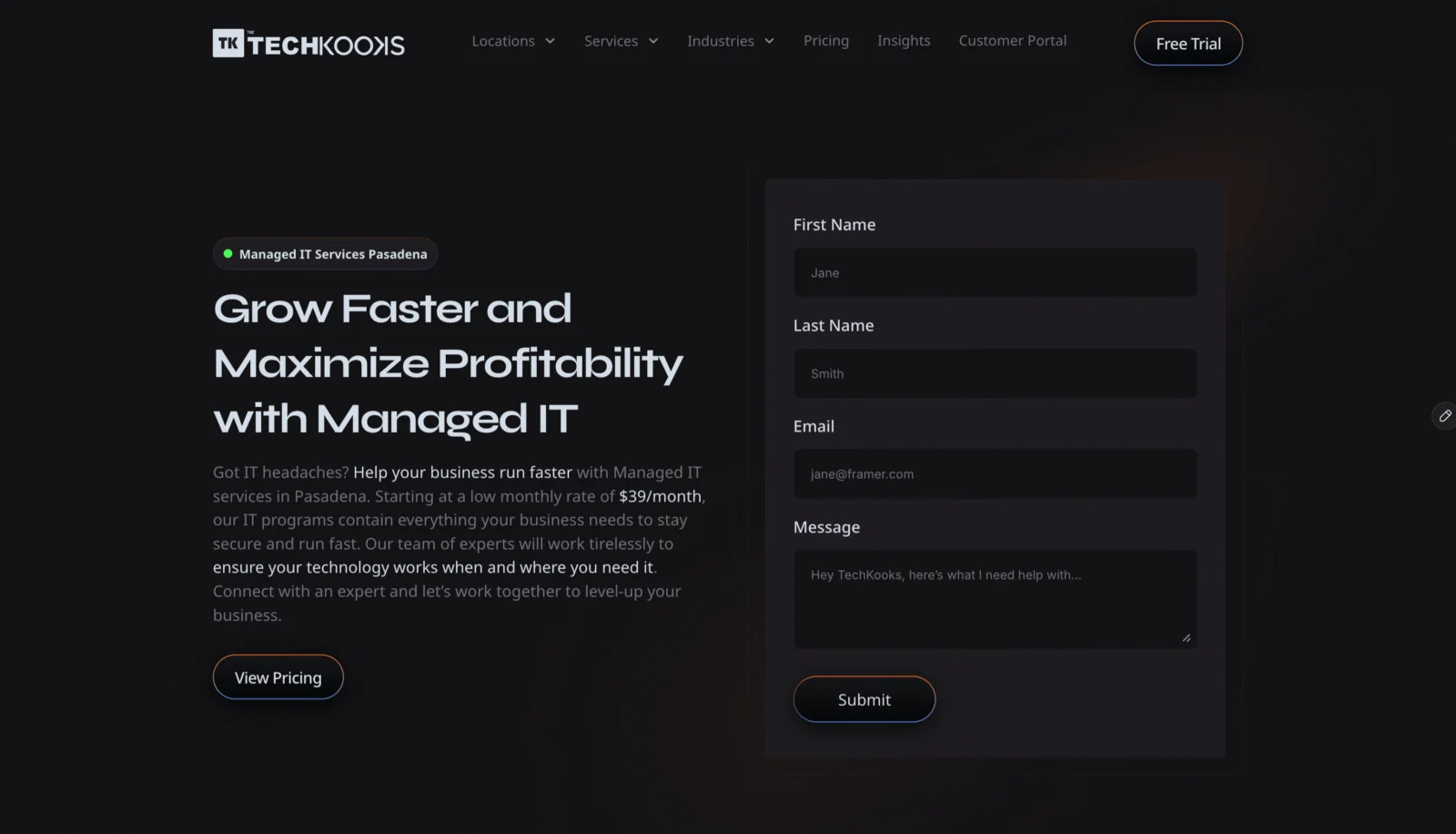
Snapshot: Founded 2022 · Pasadena listing at 150 E Colorado Blvd · 5.0 stars from 5 Google reviews
- Published plans at $39.99, $49.99 and $59.99 per user per month, month to month with no minimums, so seats can follow project load
- Security awareness training comes included rather than sold as an add-on; 24/7 managed detection and response on the top plan
- Smart Tech Plans cover IT roadmaps and budgets for timing workstation refreshes; Google listings in five Southern California cities
Worth knowing: There’s no architecture page or named CAD and BIM experience, and each listing has only a few reviews.
2. Managed IT Services Pasadena (MITSP)

Snapshot: About 11 years in business · Office at 1055 E Colorado Blvd · 5.0 stars from 4 Google reviews
- Three published plans from $39.99 to $59.99 per user per month, with $150 an hour for out-of-plan work such as a workstation rollout
- Month-to-month terms and no onboarding fees, so there’s no long commitment if a studio’s needs change after a big project wraps
- Reports 20+ locally based technicians; offers an IT roadmap service, and its top plan adds 24/7 managed detection and response
Worth knowing: Architecture isn’t on its industry list, it has four Google reviews, and it has no profile on a third-party review site.
3. Techmedics

Snapshot: Formed 2001 · HQ at 45 S Arroyo Pkwy · 5.0 stars from 21 Google reviews
- Lists AutoCAD, Revit and BIM by name on its architecture page, along with performance tuning and management of design software licenses and renewals
- Will spec and buy CAD and BIM workstations, and can set up virtual desktops so designers run their software from a job site
- Seven verified Clutch reviews averaging 5.0; offices in Pasadena, Denver and the Dallas area
Worth knowing: Prices are by quote, and plotters and large-format printers don’t appear on its architecture page.
4. Xantrion

Snapshot: Founded 2000 · Office at 177 E Colorado Blvd · 4.8 stars from 26 Google reviews
- Gives each client its own vCIO, who works with only 3–10 accounts, a useful planning partner for storage and workstation upgrades
- Holds its own AICPA SOC 2 certification, an easy answer when a client questionnaire asks about your vendors
- Emergency onsite response in two hours or less, plus 24/7 US-based incident response; 14 Clutch reviews and an AI Enablement Sprint
Worth knowing: No architecture page, a Bay Area headquarters and quote-only pricing.
5. Intelligent Technical Solutions (ITS)
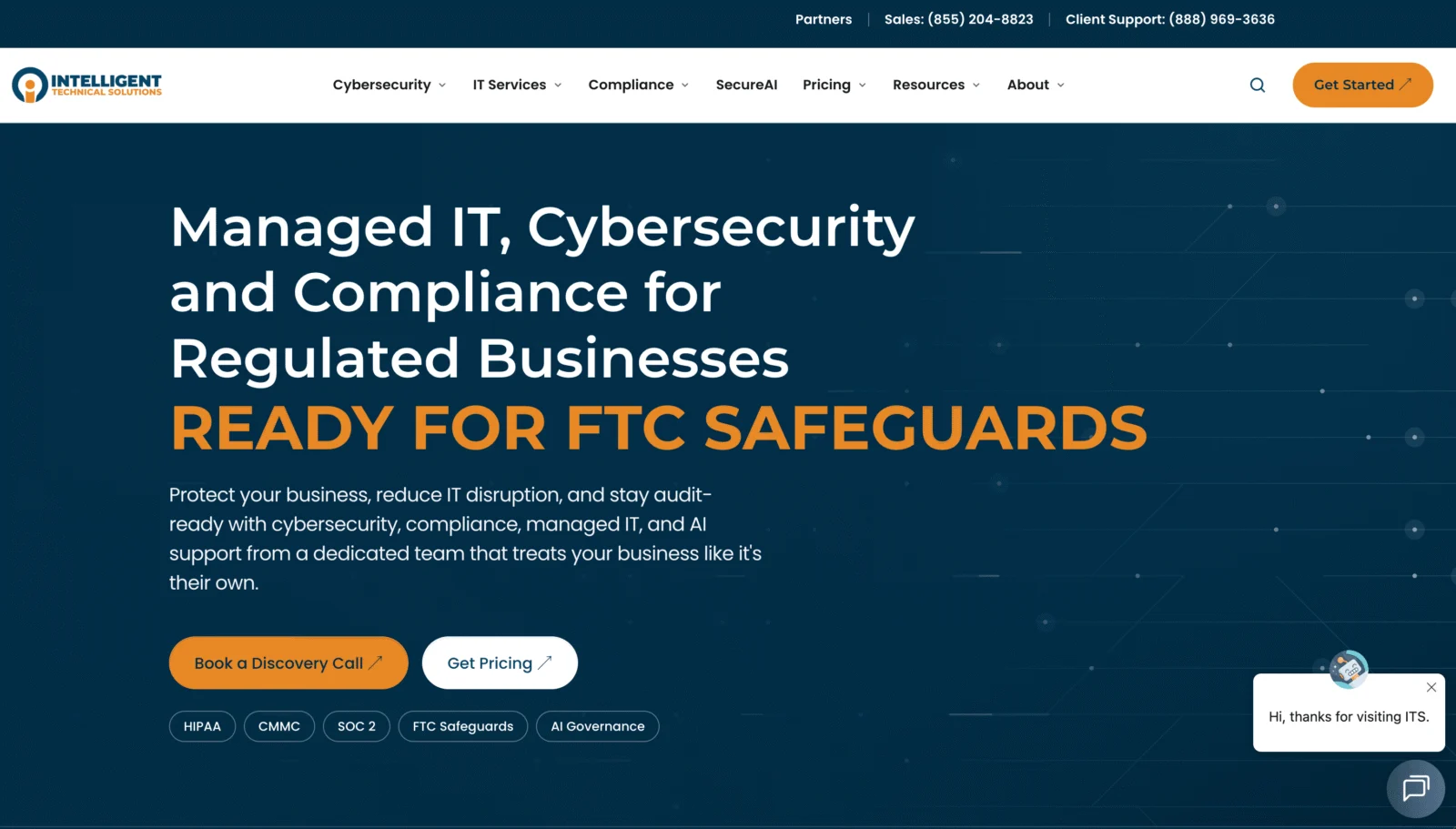
Snapshot: Founded 2003 · Office at 489 E Colorado Blvd, one of 14 US offices · 5.0 stars from 8 Google reviews
- Its architecture and design page is about reaching drawings, models and files securely, whether staff are in the studio, on site or at home
- SecureAI and a managed AI platform add governance and guardrails for drawings, bids and client files
- SOC 2 Type II with its own 24/7 SOC; plans published at $125 to $300 per user per month, with an online pricing calculator
Worth knowing: The architecture page skips Revit, BIM and workstations, and the company is based in Las Vegas.
Choosing an IT partner for a Pasadena architecture firm
What studios pay for managed IT
Pasadena providers that publish prices charge about $40 to $300 per user per month. Studios also need to budget separately for machines and software.
- GPU workstations and design software licenses usually sit outside the monthly fee.
- Hourly work outside the plan usually lands between $150 and $199.
- Entry plans cover backup, monitoring, patching, security tools and the help desk.
- Upper tiers add vCIO time, a 24/7 SOC and compliance programs.
What your agreement should cover
- Quick remote access to big Revit models, using Autodesk Docs, Egnyte, Panzura or virtual desktops
- Specifying, buying, setting up and replacing GPU workstations on a schedule
- Tracking and renewing design software licenses
- Backups of live projects and archives that keep earlier versions, with restores tested
- Upkeep for plotters and large-format printers
- Bandwidth and Wi-Fi that can move large files quickly
- Patching, monitoring, and endpoint detection and response
- Account setup and removal for employees and contract designers
- Agreed onsite support at your Pasadena studio
Few IT regulations apply to architecture firms, but drawings are client IP and a growing number of client contracts carry security clauses. Make sure your provider can help you meet them.
8 questions to ask before signing
- What would you do so remote staff can work in our Revit models without lag?
- Can you own our design software licenses and renewals?
- Are our plotters and large-format printers covered by your support?
- Do you spec and source GPU workstations, and on what replacement cycle?
- How are project archives backed up and versioned, and how long would a full restore take?
- Is your security operations center in-house or outsourced, and who answers an alert at 2 a.m.?
- Can you put us in touch with an architecture or design client you support now?
- What’s the contract term, and how do we get admin credentials and documentation back if we leave?
Managed IT vs. hiring in-house
Network and computer systems administrators in the Los Angeles metro had a median salary of $105,270 in May 2024, according to the Bureau of Labor Statistics, and that’s before benefits and payroll taxes. And that salary covers one person, with nobody to step in at night, on vacation or for specialist security work.
Using published Pasadena rates, a 15-person studio would pay about $7,200 to $54,000 a year for managed IT. The high end is about half of a single administrator’s salary, and it buys a team, security tooling and after-hours help.
Plenty of studios already rely on a CAD or BIM manager for part of their IT. In that case co-managed IT tends to work well: the in-house manager looks after the design tools, and the provider handles security, backups and after-hours calls.
Architecture firm IT in Pasadena: FAQs
Who should manage our design software licenses?
Your IT provider can, if the agreement says so. Design software runs on subscriptions that renew on fixed terms, and a lapsed seat can stop a designer mid-deadline, so give one owner responsibility for seat counts, renewals and reassignments when staff join or leave. Techmedics, for example, lists design software licensing and renewals on its architecture page.
How do we answer a client’s security questionnaire?
Start with what your provider can document: MFA, endpoint protection, backups with tested restores and an incident response plan. A provider with its own SOC 2 report, such as ITS or Xantrion on this list, can share it as evidence of its controls. Keep the answers in one file so you aren’t starting over with every new client.
Why are Revit models slow for remote staff, and how is it fixed?
Over a VPN, opening a central model means dragging the entire file across the connection, which takes time. The common fixes are Autodesk’s cloud collaboration tools, a caching layer like Egnyte or Panzura, or virtual desktops that run the software right next to the files. Builders face a similar challenge getting current drawings to the field, covered in our report on managed IT for Pasadena construction companies.
How much should a studio budget for managed IT?
Published Pasadena pricing runs about $40 to $300 per user per month, so a 15-person studio would spend roughly $7,200 to $54,000 a year, with workstations and software licenses on top. Engineering and consulting practices with similar file-heavy work can compare options in our report on IT support for Pasadena professional services firms.