
Ransomware in a dental office doesn’t just freeze the schedule. It can lock every X-ray, CBCT scan and intraoral photo on the server, and HIPAA treats each of those images as patient data your practice is responsible for.
Twenty-one firms market managed IT in Pasadena and 13 keep an office in the city. Only a few show any dental experience on their websites, whether that’s a dental page or named practice software.
Below are the five providers we’d shortlist for a dental practice, the public data behind each, and what to put in writing before anyone touches your imaging archive.
How we built the dental shortlist
This report was researched and written by our team at Managed IT Services Santa Clarita. We’re an independent IT provider based in Santa Clarita that works with practice owners and other businesses across California. Because we don’t have a Pasadena office, we didn’t include ourselves in the ranking.
We screened 21 providers and compared the 13 with a Pasadena office. Every figure below comes from a public source checked in November 2026: Google Business Profiles, Clutch, company databases such as Built In and DesignRush, and each provider’s website, including any dental or healthcare pages.
| Criterion | What we looked for |
|---|---|
| Pricing transparency | Per-user pricing published on the provider’s site |
| Contract terms | Month-to-month or a minimum term, with any onboarding fees disclosed |
| Reputation | Google rating and review volume, plus verified Clutch reviews |
| Local presence | A Pasadena office, and offices in more than one location |
| Security operations | An in-house security team, SOC or 24/7 detection and response |
| Dental fit | A dental page, named dental software or named HIPAA services |
| Track record | Years in business and a verifiable team size |
| Strategic consulting | A vCIO or IT roadmap service |
| AI services | A dedicated AI service, not just a blog post |
Our order is an editorial call that puts the most weight on published pricing, contract flexibility and coverage across more than one location. The comparison table lays out the data, so you can rank the five on your own terms.
Our top 5 IT providers for Pasadena dental practices
- Tech Kooks
- Managed IT Services Pasadena (MITSP)
- Datawise Networks
- AllSafe IT
- Netready IT
The dental shortlist at a glance
| Tech Kooks | MITSP | Datawise Networks | AllSafe IT | Netready IT | |
|---|---|---|---|---|---|
| Dental page or dental software | None named | No dental page; HIPAA support named | Dental cybersecurity page | No dental page; healthcare page with BAA | Dental practices mentioned on its industries page |
| Google rating (reviews) | 5.0 (5) | 5.0 (4) | 5.0 (5) | 4.8 (63) | 5.0 (71) |
| Clutch reviews | None | None | None | 12 | None |
| Founded | 2022 | ~2015 | Not stated | 2001 | 1995 |
| Team size | ~30 | 20+ technicians | 11–50 | Not disclosed | 10–49 |
| Pasadena office | Google listing only (site lists San Pedro) | Headquarters | Office | Headquarters | Headquarters |
| Locations | 5 | 1 | 1 | 3 | 2 |
| Published pricing | $39.99–$59.99 per user/mo | $39.99–$59.99 per user/mo | Quote only | $100–$250 per user/mo | Quote only |
| Contract terms | Month-to-month, no minimums | Month-to-month, no onboarding fees | Not published | Not published | Not published |
| Compliance named | None named | HIPAA | None named | HIPAA, CMMC, SOC 2, PCI DSS, CCPA | HIPAA, FINRA |
| Security operations | 24/7 MDR (top tier) | 24/7 MDR (top tier) | vCISO offered | 24/7 MDR; SOC 2 attested | In-house NOC/SOC manager |
| vCIO / strategy | IT roadmaps and budgets | IT roadmap | Strategic IT leadership | vCIO | vCSO and IT consulting |
| AI services | None listed | None listed | AI strategy and automation | AllSafe Intelligence | None listed |
Each dental IT provider in detail
1. Tech Kooks
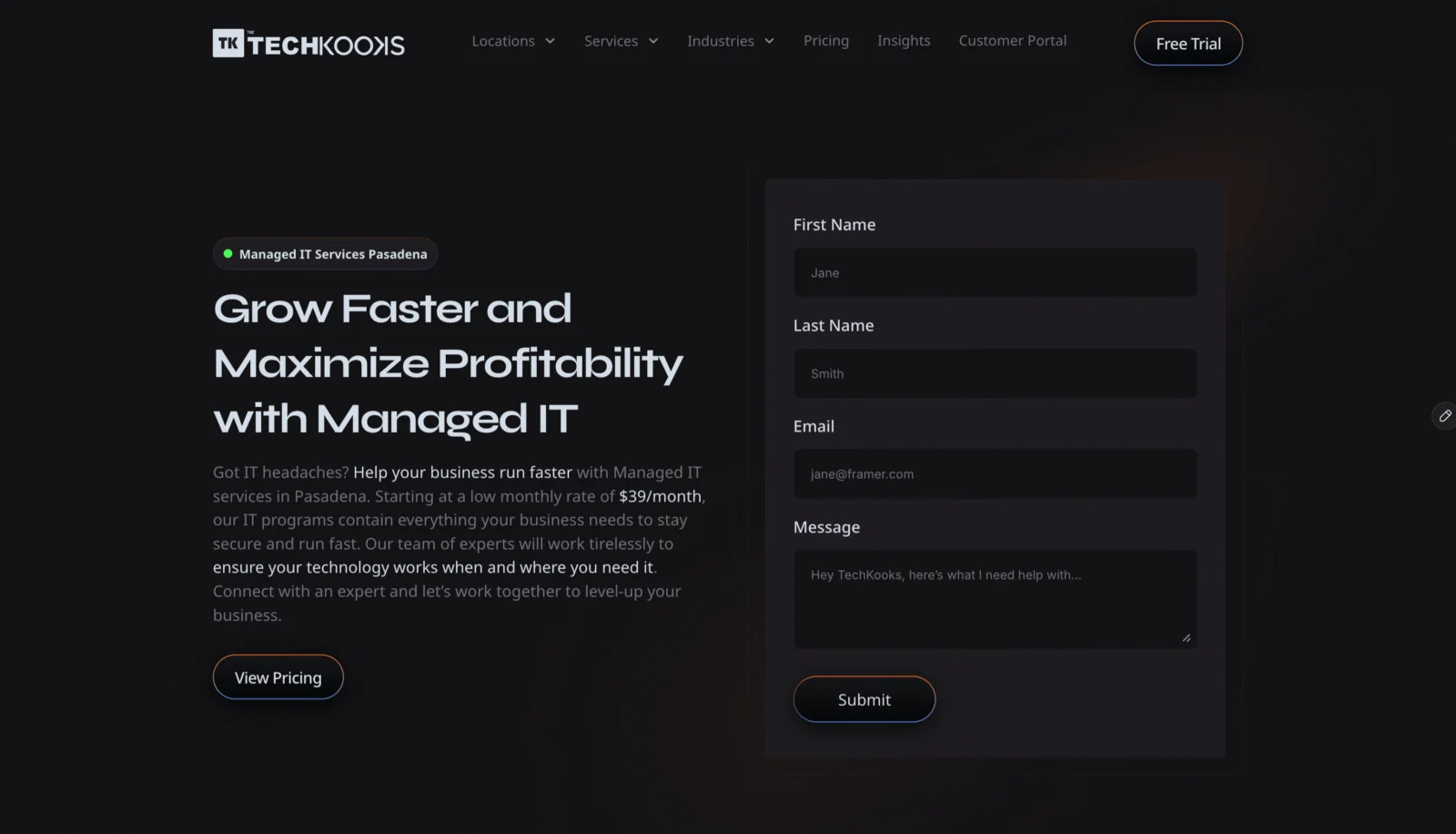
Snapshot: Founded 2022 · Pasadena listing at 150 E Colorado Blvd · 5.0 stars from 5 Google reviews
- Three flat plans at $39.99, $49.99 and $59.99 per user per month, month to month with no user minimums
- Security awareness training comes included, so front-desk and clinical staff get phishing training without an add-on fee
- The top plan adds 24/7 managed detection and response; Google listings in Pasadena, Burbank, Culver City, Santa Clarita and San Pedro
Worth knowing: Its site names no dental software or HIPAA services, so ask about Dentrix or Eaglesoft experience and get a signed BAA before you commit.
2. Managed IT Services Pasadena (MITSP)
Snapshot: About 11 years in business · Office at 1055 E Colorado Blvd · 5.0 stars from 4 Google reviews
- Lists HIPAA support among its services, with 24/7 managed detection and response on the top plan
- Published plans from $39.99 to $59.99 per user per month, on month-to-month terms with no onboarding fees
- Reports 20+ locally based technicians and an IT roadmap service; out-of-plan work is $150 an hour
Worth knowing: There’s no dental page and no named practice software yet, and it has just four Google reviews.
3. Datawise Networks
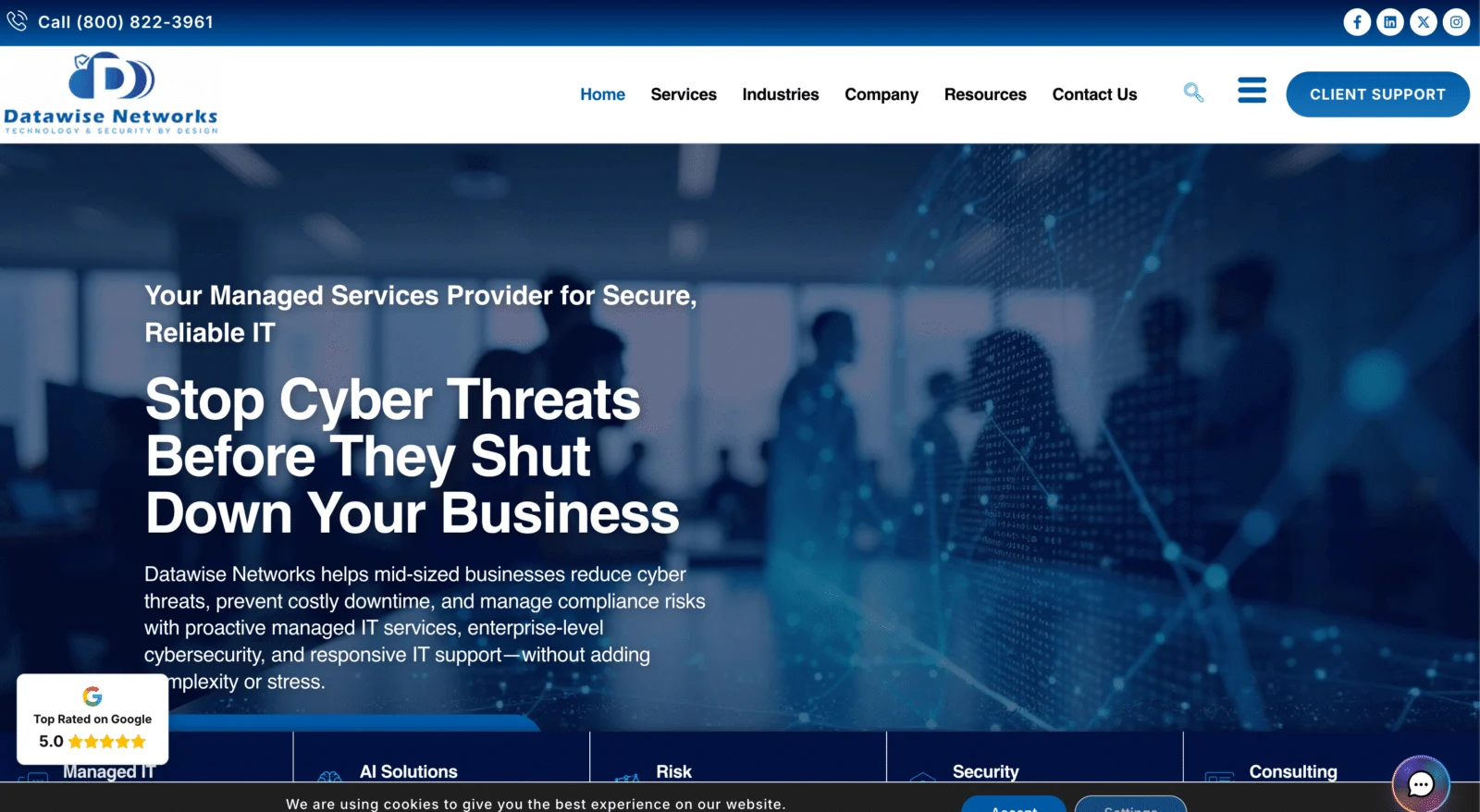
Snapshot: Founding year not published · Office at 45 S Arroyo Pkwy · 5.0 stars from 5 Google reviews
- Has a page on dental cybersecurity that covers patient record systems, practice management platforms and the workstations that run imaging
- Pairs endpoint protection and MFA with managed detection and response, phishing defense and training for staff
- Reports a team of 11 to 50 and offers a vCISO, strategic IT leadership, and AI strategy and automation
Worth knowing: Pricing is quote only, it has one office and five Google reviews, and the dental page names no practice software or BAA.
4. AllSafe IT
Snapshot: Founded 2001 · HQ at 70 S Lake Ave · 4.8 stars from 63 Google reviews
- Its healthcare page commits to signing a BAA and running a yearly risk analysis with documented remediation
- SOC 2 attested, with 24/7 managed detection and response and a dedicated HIPAA service
- 12 Clutch reviews, one from a clinical lab whose network it redesigned; pricing published at $100 to $250 per user per month
Worth knowing: Its healthcare coverage stops short of dentistry, with no dental page and no named practice management software.
5. Netready IT
Snapshot: Founded 1995 · HQ at 251 S Lake Ave · 5.0 stars from 71 Google reviews
- A perfect 5.0 across 71 Google reviews, more than any other provider in this report
- Its industries page covers medical and dental practices along with HIPAA compliance
- Antivirus, spam filtering and offsite backups come included in its fixed-fee plans, and a live-answered help desk takes the calls
Worth knowing: It has no dedicated dental page, doesn’t publish plan prices and lists no AI service.
Choosing IT support for a Pasadena dental office
What dental practices pay for managed IT
Four of the 13 local providers publish prices, ranging from about $40 to $300 per user per month, and three of them made this list. For an eight-person practice, that’s roughly $320 to $2,400 a month.
- Entry plans cover the help desk, patching, monitoring and backup.
- Imaging installs and other project work sit outside most plans and usually bill at $150–$199 an hour.
- Upper tiers add round-the-clock security monitoring, strategy time and HIPAA work.
What to get in writing
- A BAA covering every system that holds patient records, signed before work begins
- MFA, endpoint detection and response, and email filtering on every workstation
- Backups of both the practice database and the imaging archive, with restores that are actually tested
- Help desk coverage during patient hours, with the front desk and checkout first in line
- Driver and workstation support for imaging sensors and intraoral scanners
- Practice software updates coordinated with the vendor
- Phishing and security training for the whole team
- A yearly HIPAA risk assessment that ends in a written action plan
- Onsite response times for your Pasadena office
HIPAA checklist for dental offices
Billing insurance electronically makes most dental practices HIPAA covered entities. Your IT provider should help you meet each of these.
- Unique logins on shared computers. Every operatory and front-desk machine needs individual accounts, automatic logoff and audit logs.
- Images are patient data. An X-ray, CBCT scan or intraoral photo linked to a patient needs the same protection as the chart.
- BAAs with every vendor that touches patient data. That covers your IT provider, your cloud backup service and any hosted practice or imaging software.
- A risk analysis on paper. The Security Rule requires one. HHS doesn’t set a schedule, but expects you to revisit it when systems or staff change.
- Breach deadlines. You have 60 days from discovery to tell affected patients. If 500 or more records are involved, HHS must hear within the same 60 days, and local media too once more than 500 people in a single state are affected.
- California’s CMIA. A patient can sue for $1,000 in nominal damages over a negligent release of medical information, without proving any harm.
- A pending HIPAA update. HHS proposed in January 2025 to make MFA and encryption mandatory. A final rule is targeted for July 2027, and the current rule applies until then.
8 questions for a dental IT provider
- Which practice management systems do you support now: Dentrix, Eaglesoft, Open Dental or something else?
- Will you sign our BAA, and who on your side will have access to patient data?
- Have you installed imaging sensors, intraoral scanners or CBCT units for other practices?
- If our server failed tonight, how long would it take to get every X-ray and scan back?
- Who contacts the vendor when the practice software or a sensor stops working?
- Is your security operations center run in-house or outsourced?
- What does the monthly fee cover, and what gets billed by the hour?
- How quickly can a technician reach our office, and how long is the contract?
Outsourced IT vs. a staff hire for a dental office
Bureau of Labor Statistics data for May 2024 puts the median pay for a network and computer systems administrator in the Los Angeles metro at $105,270, before benefits and payroll taxes. Most dental offices don’t generate enough IT work to keep that person busy, and one hire can’t cover every security specialty anyway.
At published local rates, an eight-person practice would spend roughly $3,840 to $28,800 a year on managed IT. The top of that range is about a quarter of one administrator’s salary, and it pays for a team, security tools and backup monitoring.
Bringing IT in-house usually only adds up for multi-office dental groups. Even those often pair one internal IT lead with a co-managed provider for security and after-hours coverage.
Dental IT in Pasadena: common questions
Are X-rays and intraoral photos covered by HIPAA?
Yes, once they’re tied to an identifiable patient. Radiographs, CBCT scans and intraoral photos are protected health information, so they need the same access controls, encryption and backups as the chart. Medical clinics carry the same obligations for their imaging and records, which we cover in our report on managed IT for Pasadena healthcare clinics.
Who should handle practice software updates and sensor drivers?
Ideally your IT provider, working with the software vendor. Desktop versions of Dentrix, Eaglesoft and Open Dental usually run on a server in the office, and updates, database problems and sensor drivers go faster with a technician who has handled them before. Ask any provider for a dental client you can call.
What’s the safest way to back up imaging files?
Use two copies. An encrypted local copy gets you running quickly, and a second copy offsite or in the cloud, locked so ransomware can’t alter it, covers the worst case. Include the imaging database, not just the image files, run a full test restore on a regular schedule, and sign a BAA with any backup vendor that holds them.
How long do we have to report a breach of patient records?
Under HIPAA, affected patients must hear from you within 60 days of discovering the breach, and breaches of 500 or more records go to HHS on the same timeline. Tax practices that lose unencrypted data on 500 or more people have only 30 days to notify the FTC, as we explain in our report on IT support for Pasadena accounting firms.